 FlowSentric
Where does your data go when you paste it into an AI chat at work?
A practical checklist for anyone using AI tools with customer data: what leaves your company, who keeps it, and five questions to ask before you paste.

- A prompt is a chain of processors: your browser, the tool, the model provider. Each link can retain what you typed.
- Five questions before you paste: personal data? DPA? where is the model hosted? who sees the history? could you tell an auditor?
- Masking first, region labels and an exportable log turn those five questions into answers you can give.
Most people picture an AI chat as a very smart text box. Type, wait, read. What actually happens is closer to sending a letter: the text leaves your computer, travels to a server somewhere, gets processed, and something comes back. Where "somewhere" is, and what happens to the letter afterwards, is the whole data protection question.
The journey of one prompt
- Your browser sends the prompt, plus the conversation history and any attached file, to the tool's servers.
- The tool may store it, log it, and pass it on to one or more model providers.
- The model provider processes it in a data centre, often in the US, and may keep it for a period under its own terms.
- The answer comes back the same way, and is usually stored on the tool's side too, so you can scroll through your history later.
None of that is sinister. It's simply a chain of processors, and every link is a place your data can be retained, read by support staff, used for training or requested by a court. With a consumer account, the terms are whatever the provider publishes this month.
Five questions to ask before you paste
- Is there personal data in this? Names, emails, phone numbers, IBANs, tax IDs, addresses. If yes, the GDPR is in play, and any transfer outside the EU needs a legal basis.
- Do we have a data processing agreement with this tool? If nobody can find one, assume there isn't one.
- Where is the model hosted? Most tools don't say. A good one labels each model.
- Who can see the history? Shared team accounts are a common leak: everyone sees everyone's conversations.
- Could I tell an auditor what left the building? Without a log, the answer is no.
What "safe" can look like
You don't have to give up AI to answer those five questions well. It comes down to three things a tool either does or doesn't do.
Take the personal data out first. In FlowSentric, Privacy Guard replaces names, IBANs, tax IDs and other identifiers with placeholders before the prompt leaves, and restores them only in your view. The model works on a template. Here's how that works in detail.
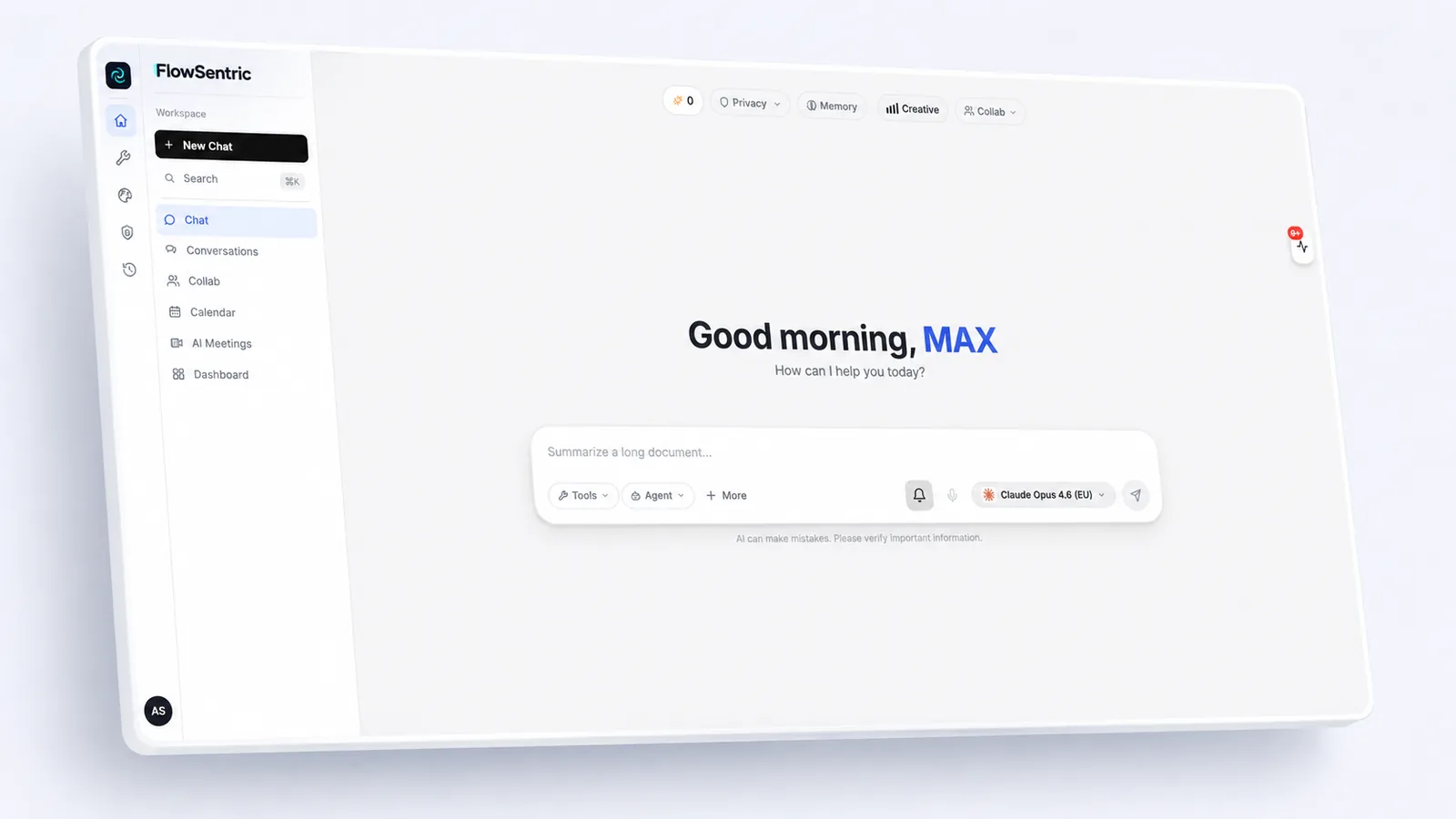
Know where each model runs. Every model in our picker carries a region: EU, US or local. 26 models route through an EU gateway and are labelled "(EU)"; local models never leave the server.
Keep a log you can hand over. Our Privacy Log records what type of data was masked and how often, never the values. The audit log records who did what. Both export as CSV, which is usually all a data protection officer wants to see.
A rule of thumb for your team
If you wouldn't email it to an outside contractor without a contract, don't paste it into an AI tool without one either. The same instinct applies. The good news is that the contract, the masking and the log can all be in place by tomorrow morning, and the productivity gain stays.