 FlowSentric
How to build an AI agent without code, in about 15 minutes
A walkthrough of the FlowSentric agent builder: identity, model, tools, knowledge, testing, scheduling and publishing, with Privacy Guard on by default.
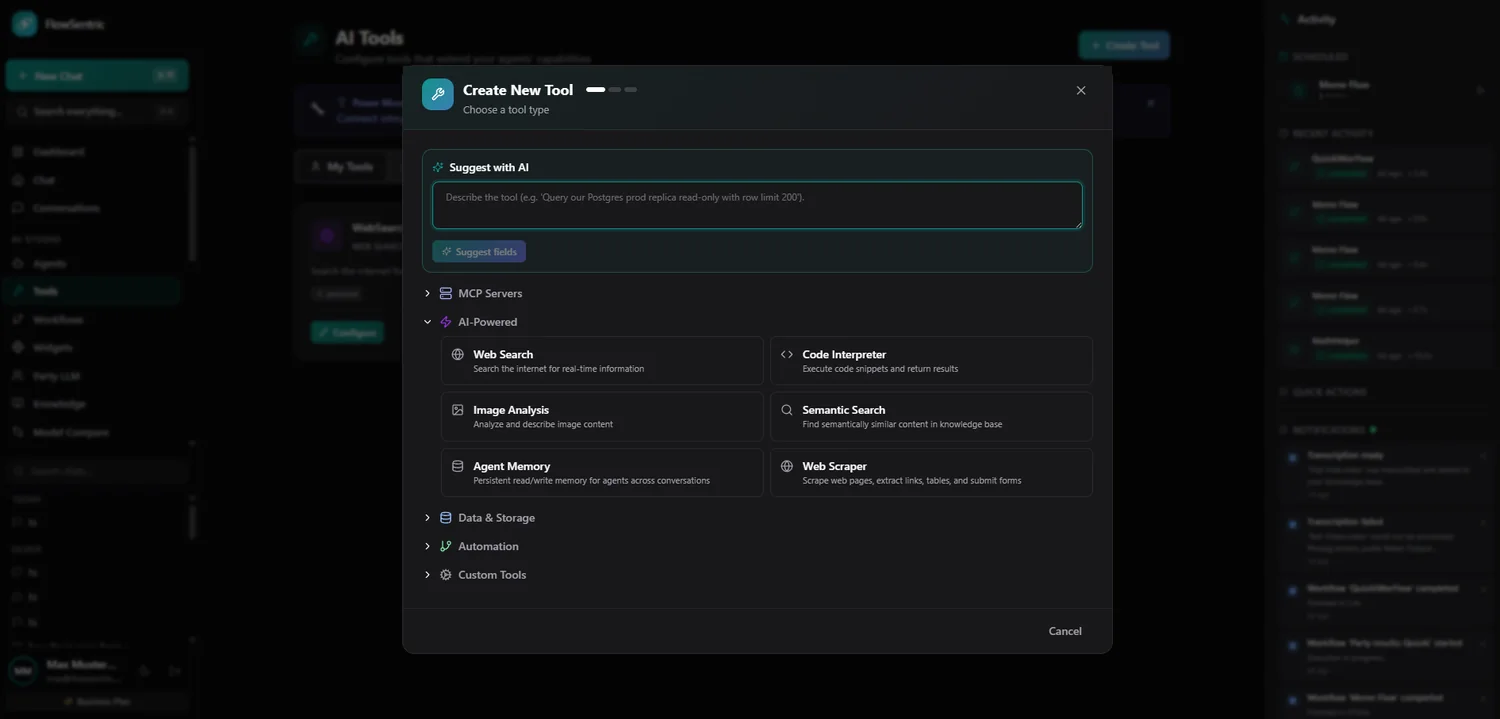
- An agent is a job description, a short list of tools and the documents it should know. Start from one sentence with Suggest with AI.
- Give it only the tools the job needs. Secrets are encrypted and masked, retrieved documents pass through Privacy Guard.
- Test with real tools before publishing, then add a few evals so a prompt or model change can't quietly break it.
An agent is a model with a job description, a set of tools it's allowed to use, and the documents it should know. That's it. Everything else is detail. In FlowSentric you build one in a five-step wizard, and this post walks through a concrete example: an agent that reads new support emails every morning, drafts replies from your help-centre documents and posts a summary to Slack.
Fifteen minutes is honest if you already know what you want the agent to do. If you don't, the thinking takes longer than the clicking, which is how it should be.
Step 0: the shortcut
Type one sentence into Suggest with AI. Something like "An agent that reads new support emails each morning, drafts replies from our help docs and posts a summary to Slack." The builder proposes a name, description, system prompt, model, temperature, token limit, suggested tools and Privacy Guard settings. You go through the fields and keep what makes sense. Visibility and schedule are deliberately left to you; we didn't want an AI deciding who in your company gets to see an agent.
Step 1: Identity
Name and description. Keep the description honest. It's what colleagues see in the agent library, and what the marketplace shows if you publish the agent later. "Support triage, drafts only, never sends" beats "Smart Support Assistant" every time.
Step 2: Behaviour and model
Write the system prompt in plain language: what the agent does, what it must never do, the tone. Then pick a model. For a drafting agent, a strong general model; for a classification agent, a cheaper one. A temperature of 0.2 to 0.4 keeps drafts consistent from one day to the next. Privacy Guard is on by default here, with emails, phones, IBANs, German tax IDs, SSNs, credit cards and addresses selected. Adjust if your case needs it.
Step 3: Tools
Attach the tools the job needs and nothing more. For our example:
- an email reader to fetch unread messages, or a Gmail or Outlook integration connected in one click;
- the Slack tool to post the summary;
- knowledge search, so the agent can look things up in your knowledge base mid-task.
There are 34 tool types in total, from a sandboxed code interpreter to German e-invoicing. Any secrets you enter are encrypted at rest and masked in every response, so a chatty agent can't accidentally read an API key back to you.
Step 4: Knowledge
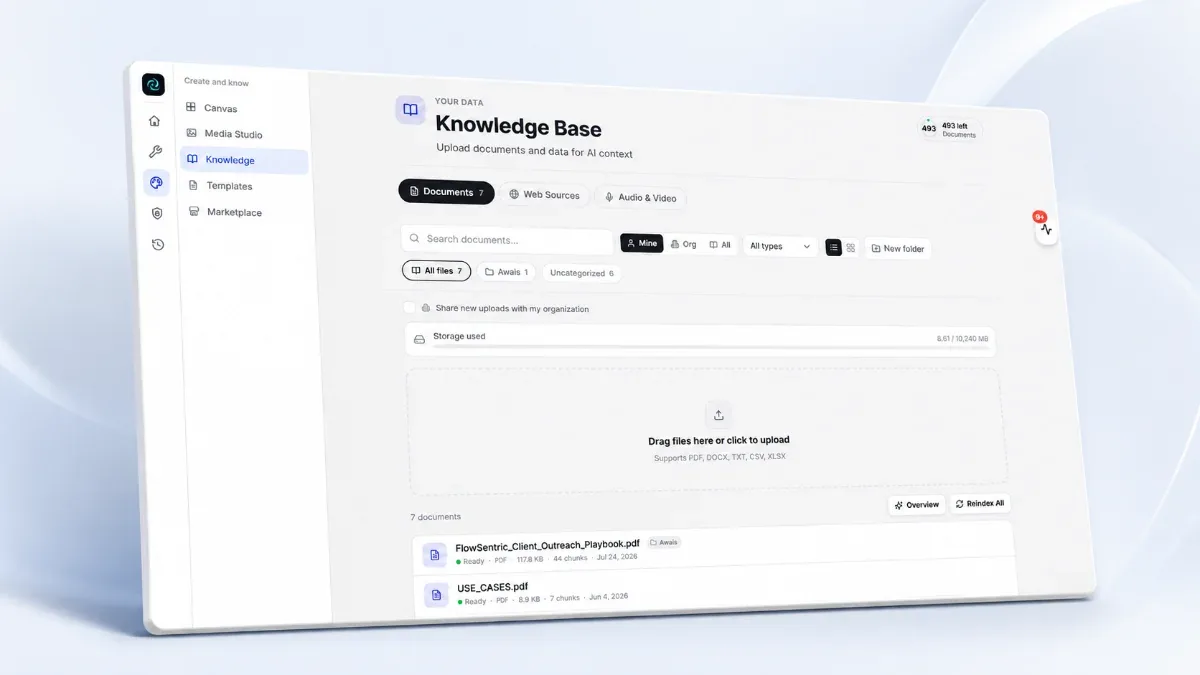
Select the documents or folders the agent should ground its answers in: your help centre, product docs, policies. Answers cite the source document and page. Retrieved context passes through Privacy Guard before the model sees it, the same as the input. A support agent that quotes a customer's IBAN from an old ticket is not a feature.
Step 5: Advanced
Optional, but worth a look: a token budget per run, an on-complete workflow (for example "file the drafts into a project"), memory, citations with page numbers, and an output self-check where a second model call grades the answer against your criteria and retries if it falls short.
Test before you publish
The test panel runs the unsaved draft with real tools and real knowledge, multi-turn, without persisting anything. Ask it three questions you know the answer to. If a tool call goes sideways, the execution trace shows exactly which call and what came back. We use this panel more than any other screen in the product.
Schedule and publish
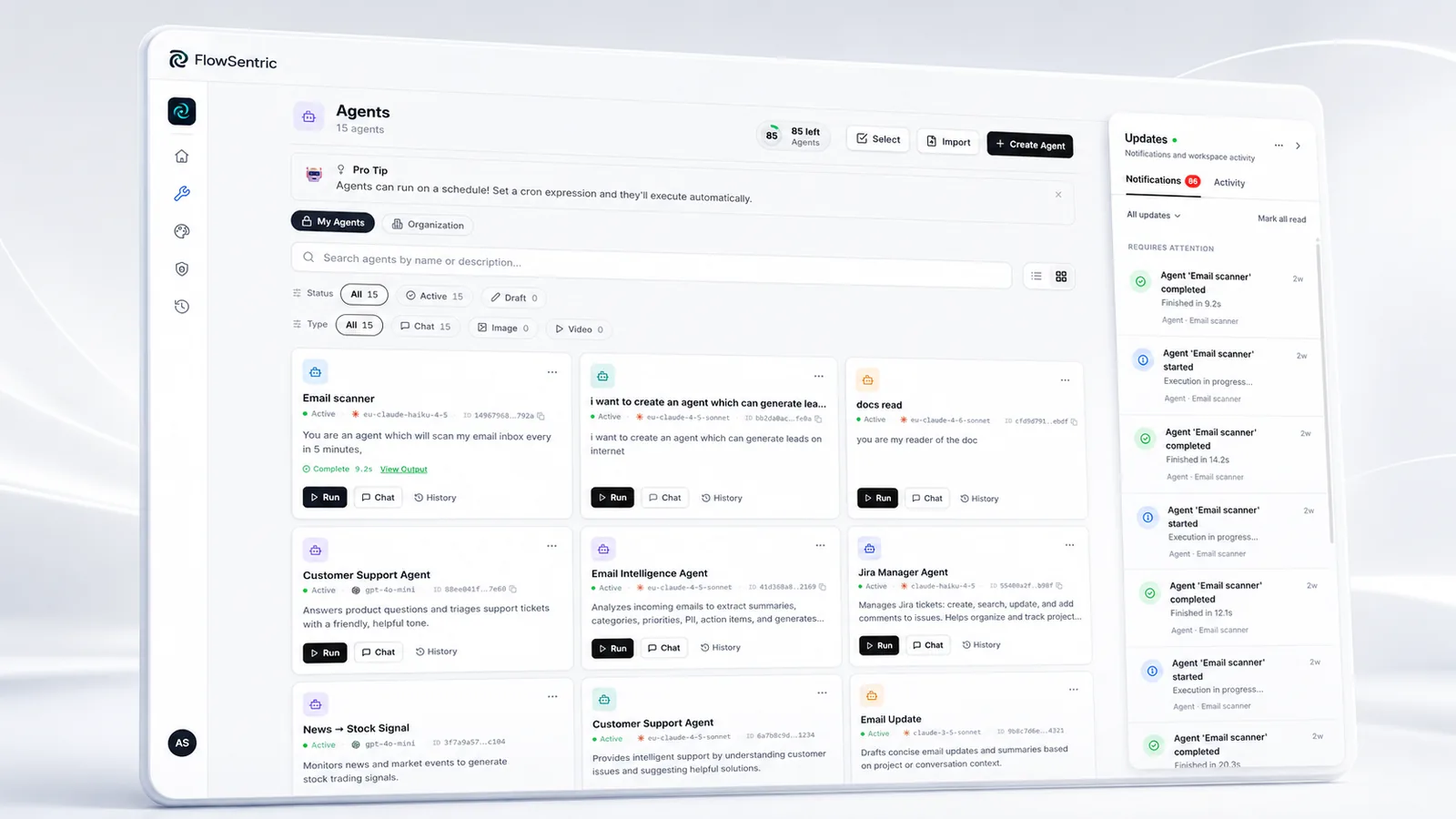
Set a schedule in your time zone ("every weekday at 07:30" is a common one) and flip the toggle. Choose personal or organisation visibility. The run history shows every execution with its duration and tokens, and any run can be replayed.
What it costs
The Free plan includes 4 agents and 200,000 tokens a month. Scheduling and more capacity come with a paid package. Everything above works without code, and if you do want code, the same agent is callable from the REST API with an execute-scoped key. Start on the Agents page or create your account.